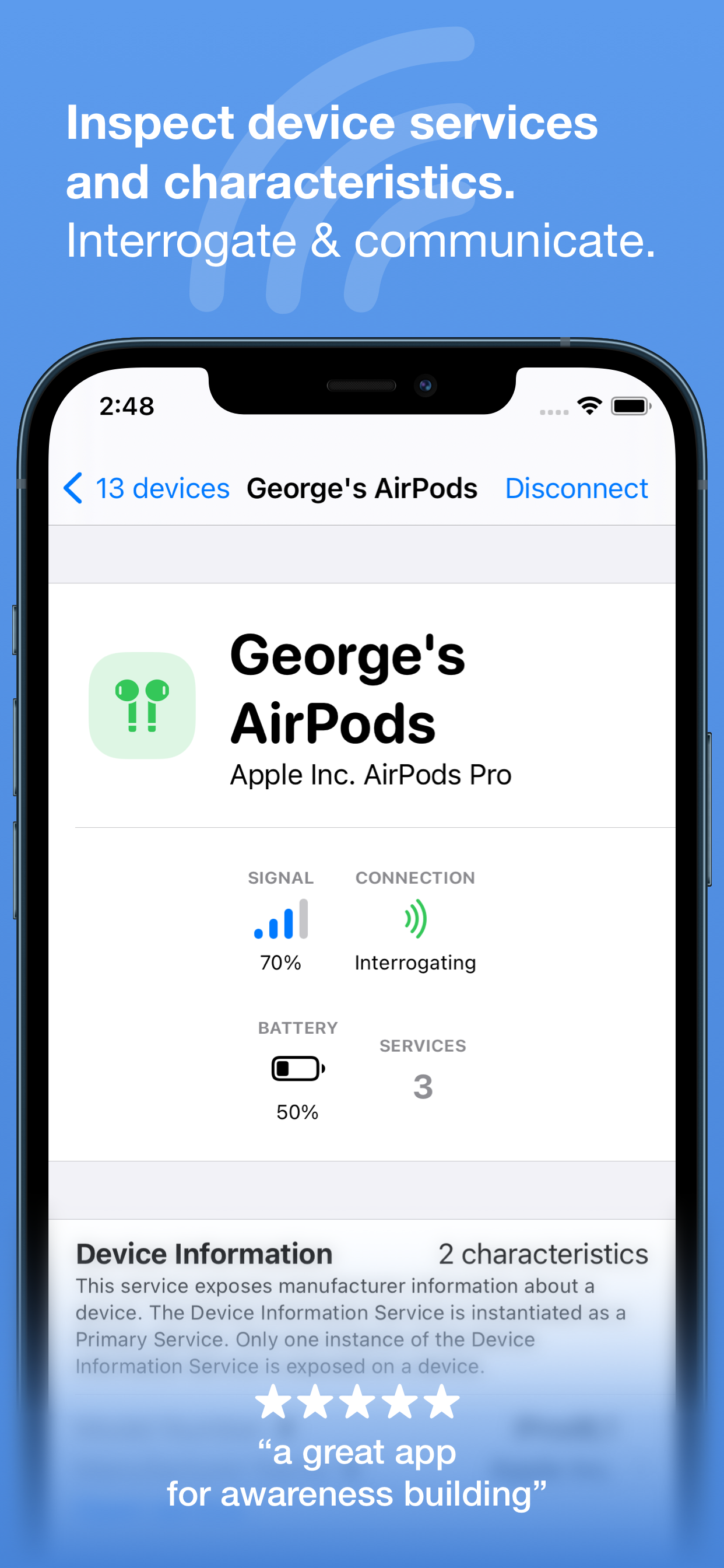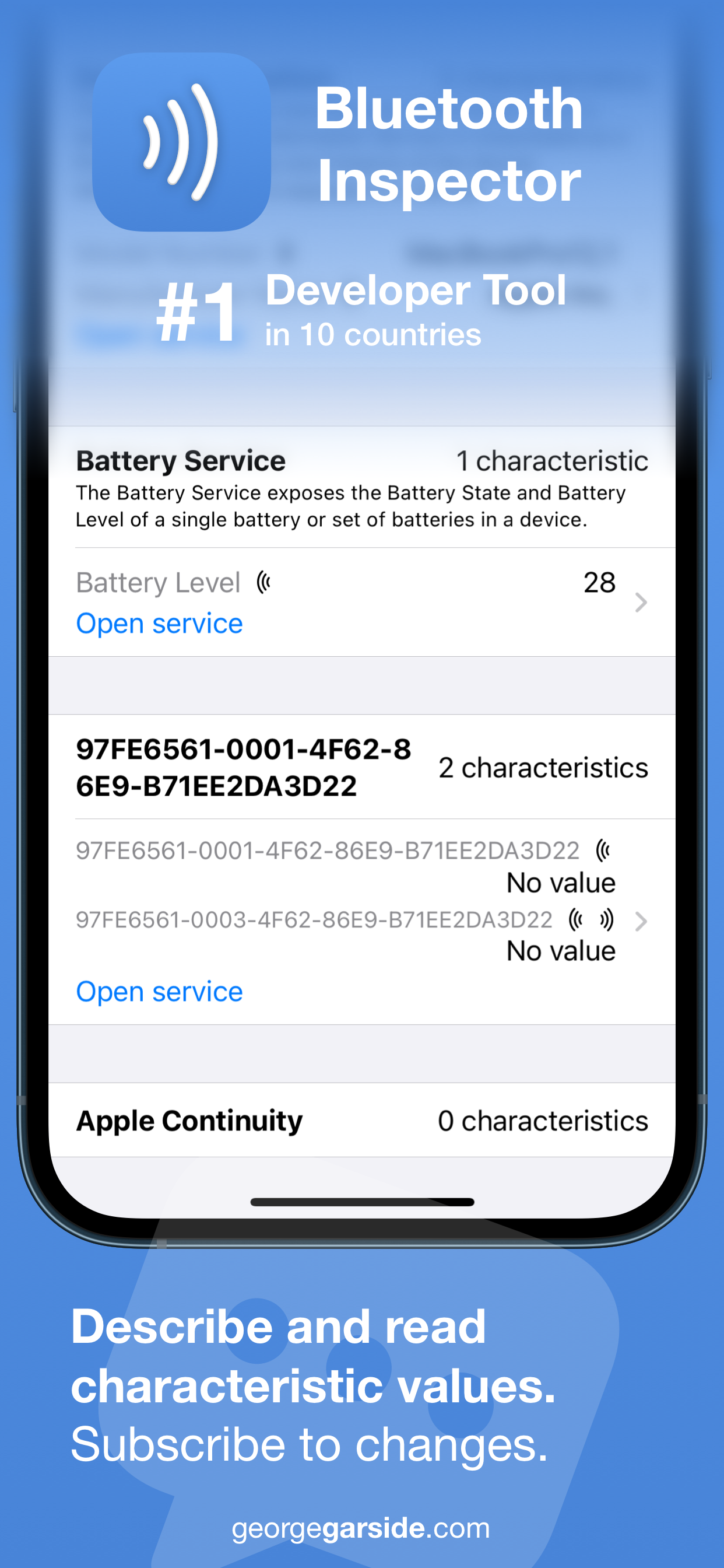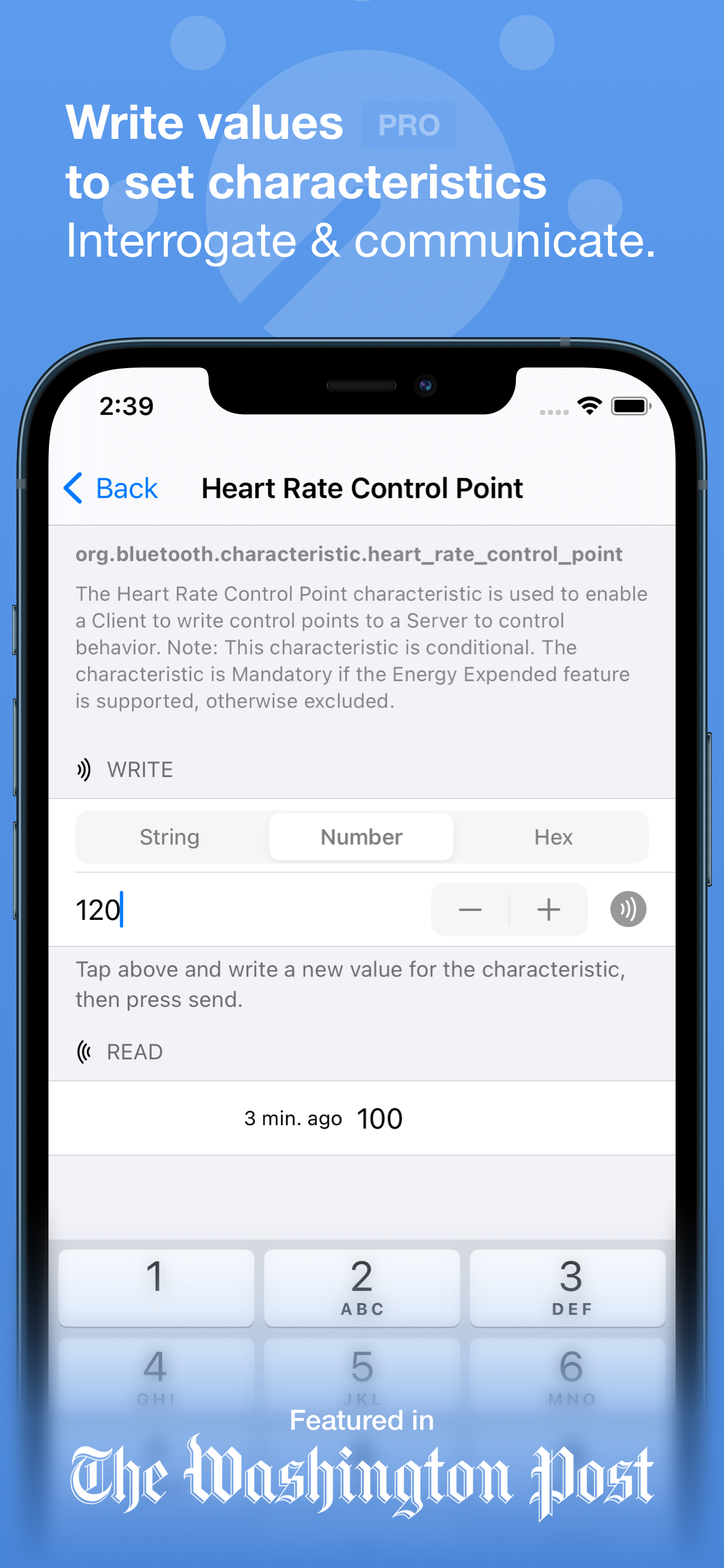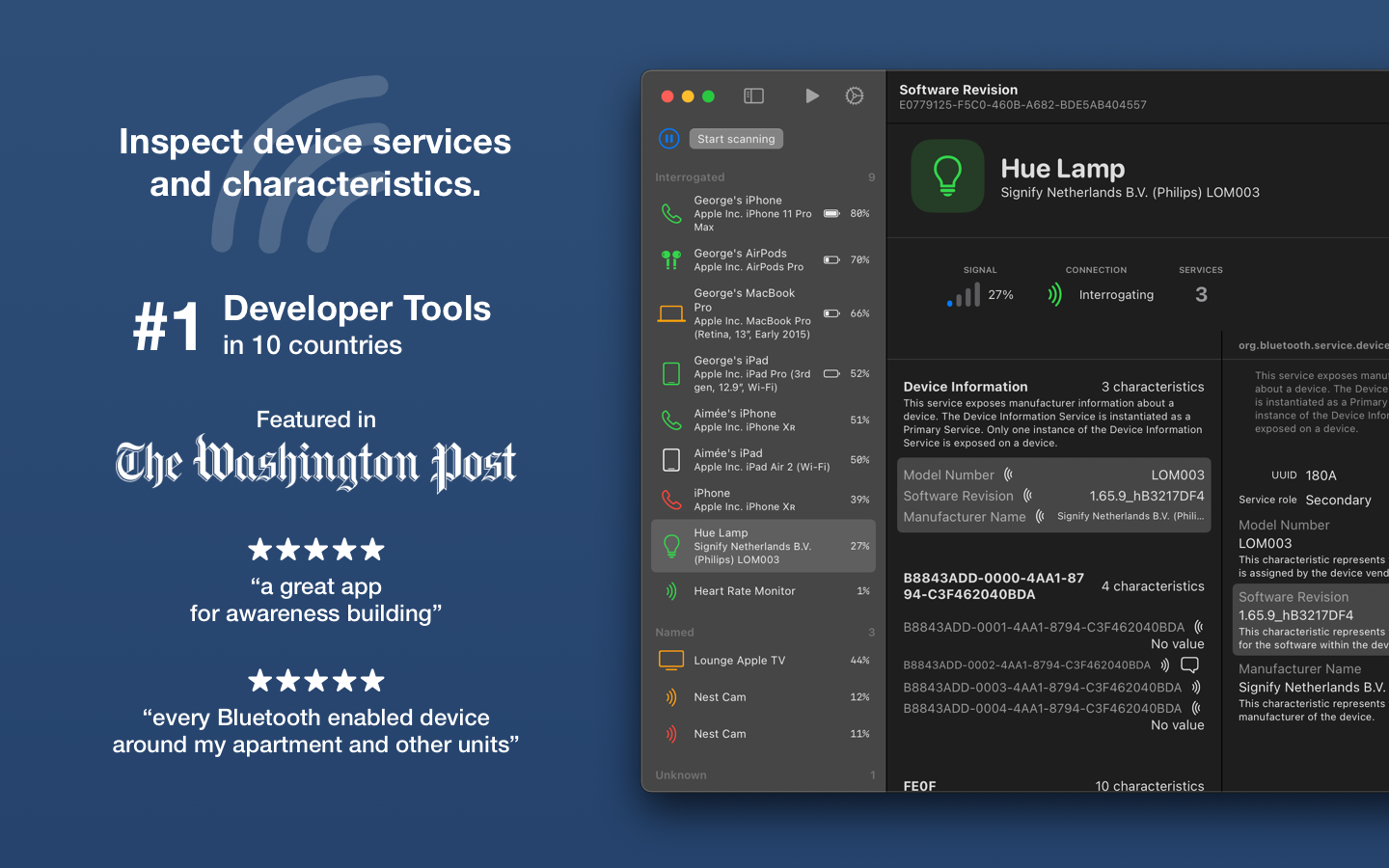
Discover nearby Bluetooth peripherals
and inspect their services for
characteristics and information.

Download on the App Store
Free • iOS and macOS
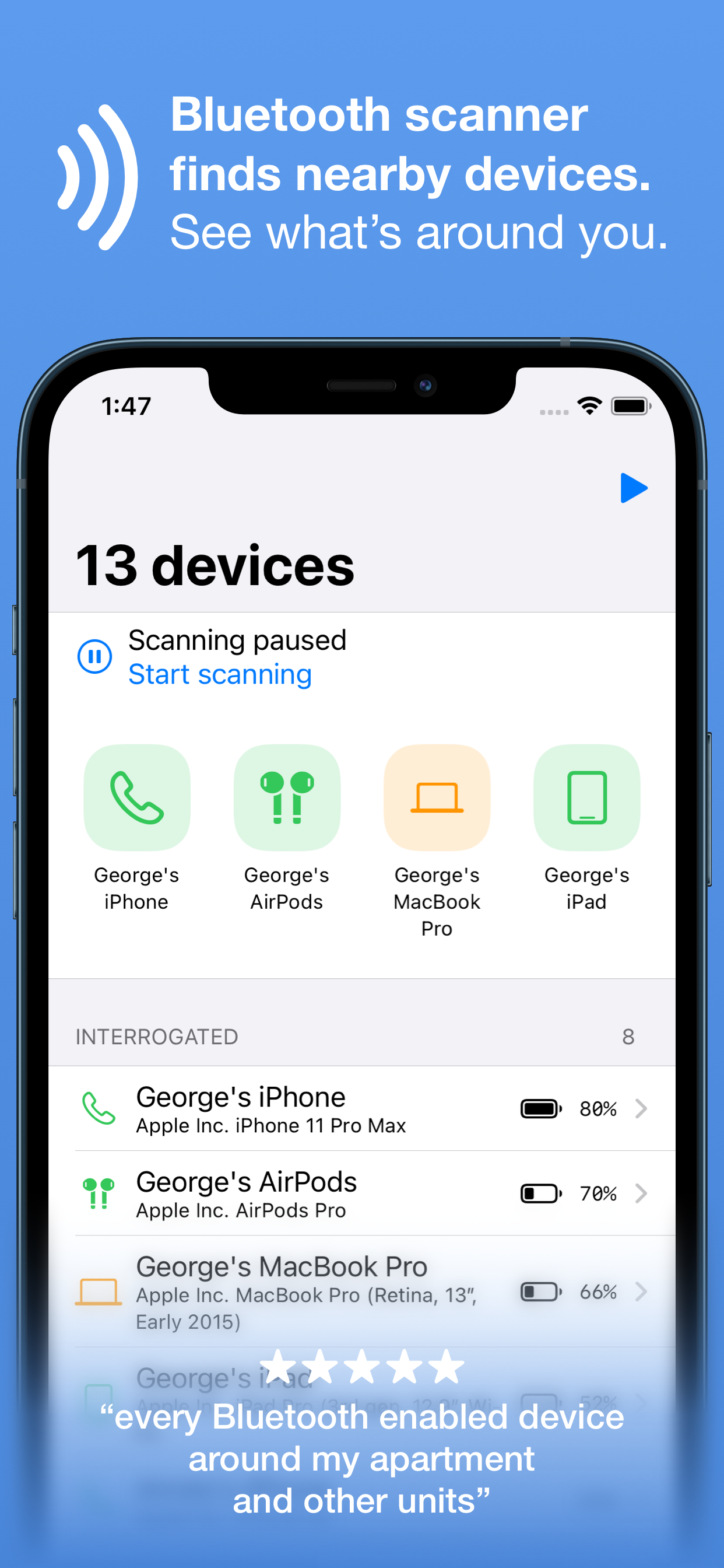
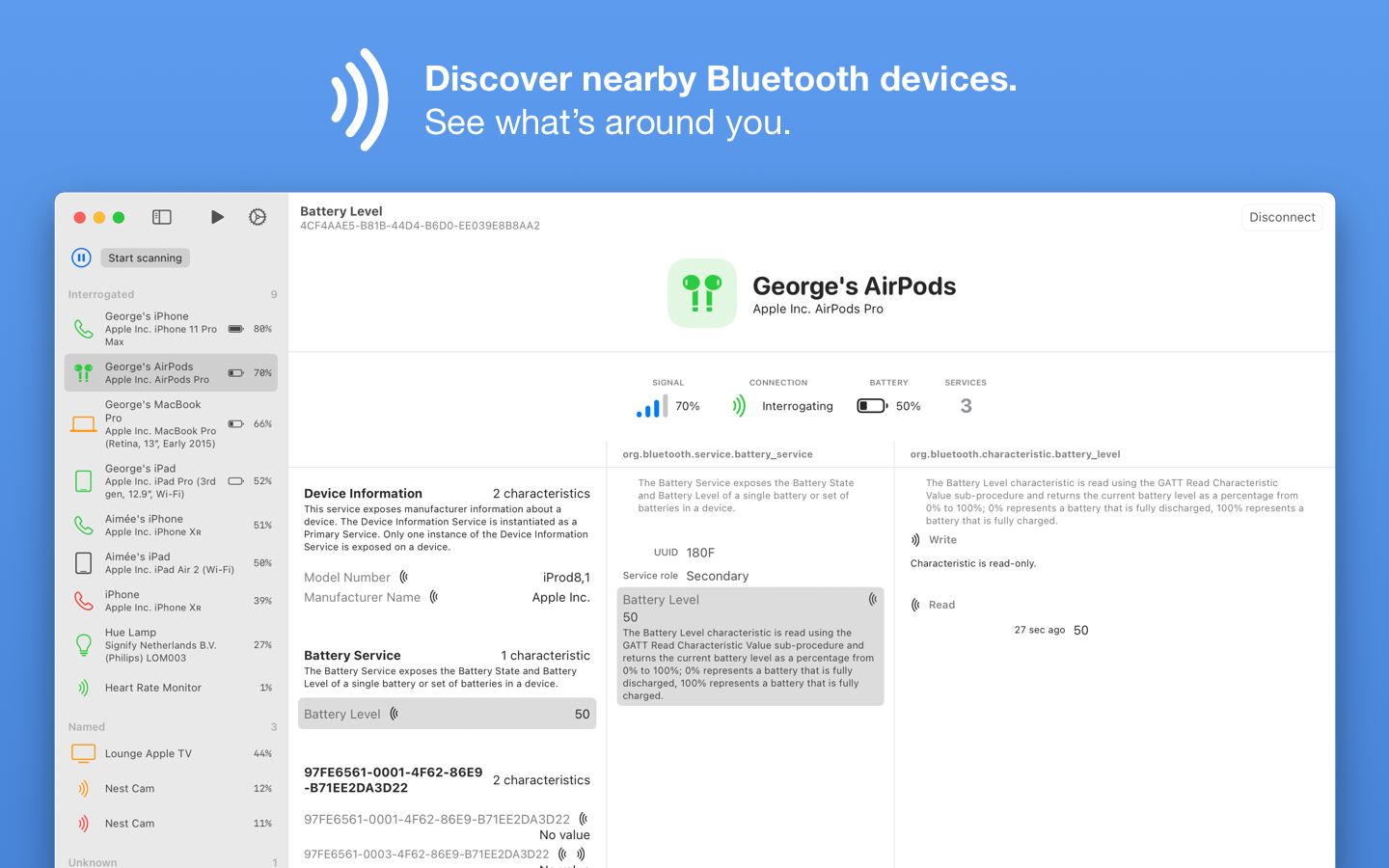
  • View information and signal strength for all peripherals and devices, updating in real time as you move around.
  • Get battery level for your own Apple devices (signed into the same primary iCloud account) — no need to install the app on all your devices.
  • See model identification broadcast by devices around you, mapping the Apple device identifier to the marketing name.
  • Extract software and firmware version strings from devices broadcasting this information.
  • Read any characteristic's value, even for services not well known and are custom to the device being interrogated.
  • Write characteristic values back to the peripheral as string, numeric or hex (pro).
  • See a history of the value of a characteristic since the session started, timestamped to when the value changed (pro).
Download on the App Store
Free • iOS and macOS

Constant use of Bluetooth connectivity can drain your device's battery. Bluetooth connectivity is only used when this app is in the foreground and up to a few seconds after being backgrounded.


16 responses

Leave a Reply

Your email address will not be published. Required fields are marked *

  1. Sam
    2

    Hello. Great software. I wanted to report that when long tapping on the device header (where the name and the ID are displayed) in the single device page, the app crashes. I'm on iOS 18.7. Also, have you got any idea why a majority of devices show up as "Ericsson Technology Licensing"? Where do you retrive this information? Is it in the manufacturer data in the advertising? After interrogating one of them, it turned out to be a friend's Android phone, as indicated in that device's GATT data

  2. Piers
    2

    Would you be able to make its possible to label/name unknown devices?
    Then I could see devices not identified.
    Currently, I just have a long list of unknown devices.
    (Even just show the last digits of the ID in the listing)

  3. Ron
    1

    Is there a user guide?

  4. Duzie
    1

    Hello, I’m a novice about the Bluetooth inspector and I’m trying to find a couple of Bluetooth devices my ex put in my home, how do I use your app to locate them and how do I use the map feature to track them? Thank you for your time

    Sincerely,
    Suzie Duff

  5. Noah
    0

    Hi, how do the percentages in your Bluetooth Inspector app compare to dBm signal in Bluetooth? Or is there another metric unit I can use to compare the percentages?

    1. George Garside
      1

      Hi Noah, the percentages are based on the reported RSSI. Unfortunately iOS does not expose dBm, only RSSI, which is then converted to a percentage. The raw RSSI is reported in the Session Log. Thanks for using Bluetooth Inspector!

  6. Bluetooth Inspector
    0

    I bought the Pro version, and I want to change some settings on my Uno card, but the write function doesn't seem to be working. Is this normal? Thank you for your reply. Ty

    1. George Garside
      0

      Hi, I’m not aware of any problems with the write function. Feel free to send over more details for me to investigate. Thanks for using Bluetooth Inspector!

  7. Steve
    0

    Can the raw RSSI of a device be added to the detailed info screen? While the percentage is good for at-a-glance troubleshooting I’m doing some antenna testing and would really appreciate the data being somewhere I can watch it for a specific device and in real time instead of scrolling around in the log.

    1. George Garside
      0

      Hi Steve, that’s a good idea I will add that! Thanks for using Bluetooth Inspector

    2. George Garside
      0

      Hi Steve, great idea. This has been added to version 1.7.5 released today. Tap on the signal bars to toggle between percentage and RSSI. Thanks for using Bluetooth Inspector!

  8. Joakim
    0

    Is it possible to use this together with iOS Shortcuts, and somehow make BLE active when the screen is off, at all times?

    I got a Tesla Model Y and an iPhone 14 Pro, and I have an issue where it won't unlock the car when the phone is in my pocket with the screen off. As soon as I tap the screen, it will unlock the car. The reason I believe is that iOS turns off BLE when the screen is off.

    If I create a Shortcut which runs every minute with Scan Bluetooth Discovery from BT Inspector, can I force my iPhone to have BLE active at all times?

  9. CptBrit
    0

    Is it possible for the same iPhone to be listed as different devices. It’s showing 3 iPhone’s all the same nr me. But should only be my own iPhone my wife’s showing.

  10. Zugz
    0

    Came here to report a bug with the Bluetooth inspector app.

    I found the same bug that Sam reported. Long tapping on a listed device will crash the app.

    Great app! Keep up the good work.

  11. Carl
    0

    Hi. I just purchased your app a few minutes ago and am still playing around with it. There are a couple of places that I clicked that seemed to make it crash. For one the "Settings" > "Thanks For Purchasing Pro" Causes the app to close instantly. Also for some devices it will offer the "Apple Continuity" If I click on "Number" a drop down arrow activates. If you click on this drop down arrow the app closes instantly. Now I don't claim to know what I am doing in there but it should display an error if I am doing something wrong rather than close the app.

    On a side note one of the reason's I got this app was to see if I could verify that a device that claims to be Bluetooth 5.x is actually capable of Bluetooth 5.x and is not actually 4.x. Can you tell me of there is a way for me to do that with your app? Thanks.

    1. George Garside
      0

      Hi Carl, sorry about the crashes. The ones in Settings I introduced in the last update and the fix will be in v1.7.6 which is in review by Apple. I’ll try to reproduce the others and get a fix out soon, and see about outputting the Bluetooth version in use. Thanks for using Bluetooth Inspector!